 LunaDash
Ready to use.
Yours to shape.
LunaDash is an open-source Linux Wayland desktop environment built with wlroots, Qt 6 and Quickshell/QML. It brings your workspaces, apps and everyday controls together, then lets you choose how they look and work.
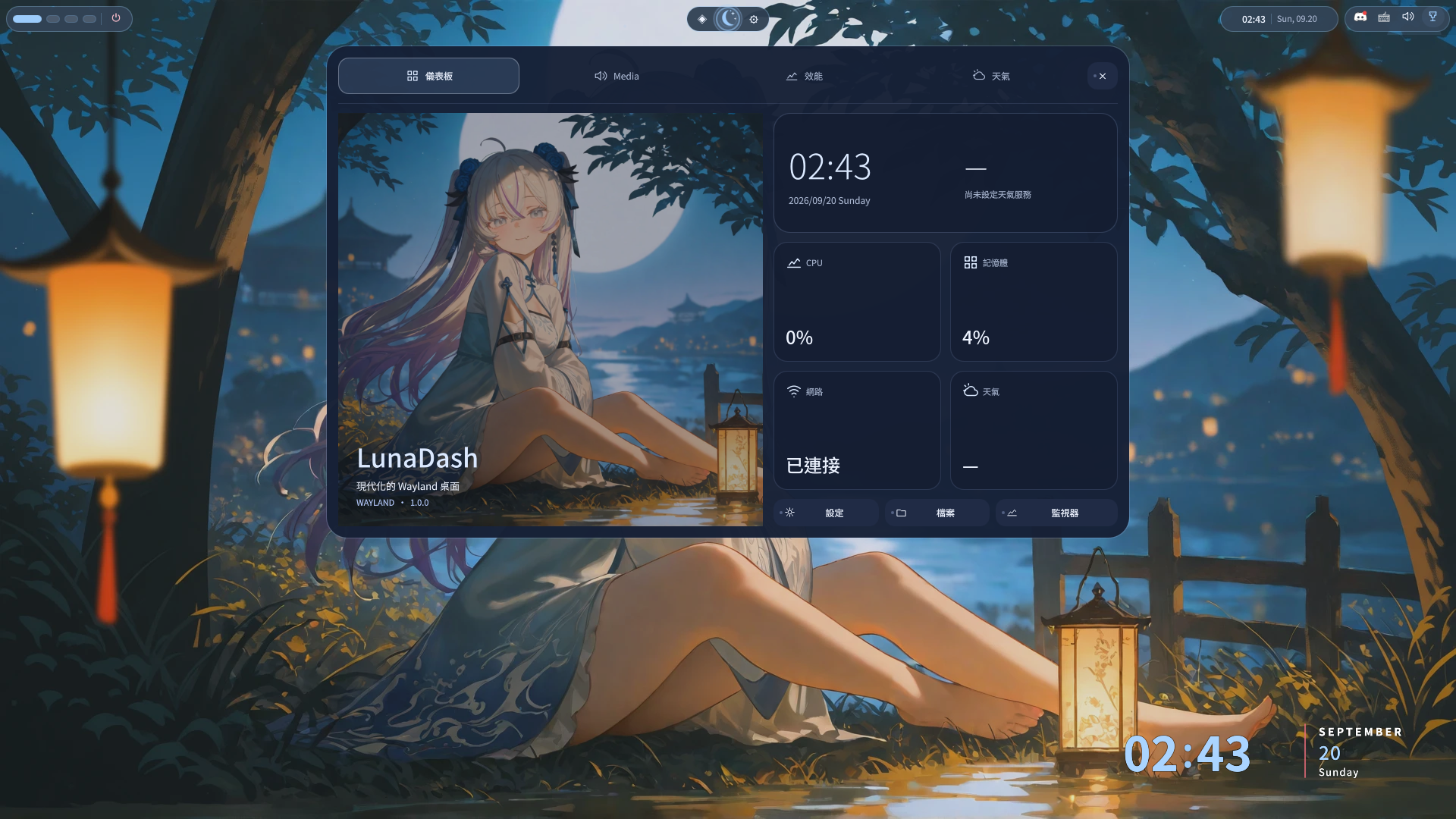
Start with a desktop.
A panel, launcher, notifications, settings and file tools are already part of the experience. Dismiss the welcome screen and settle into your workspace.
Your first login ↓Make it your own.
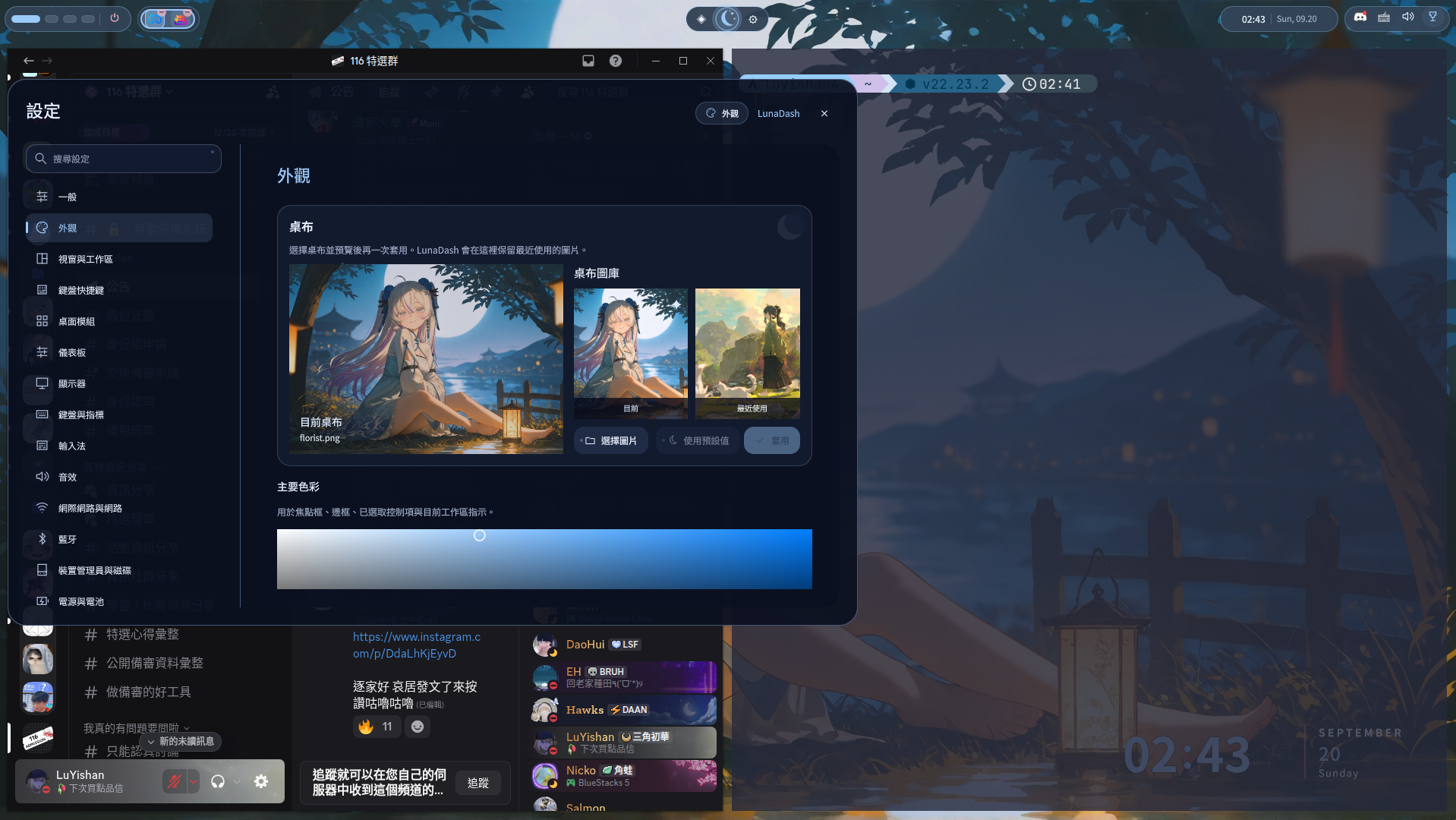
Choose your colors, wallpaper, shortcuts and default apps in Settings. Go further with shell modules, Quickshell/QML and a local control interface.
Explore customization ↗One desktop. Your way.
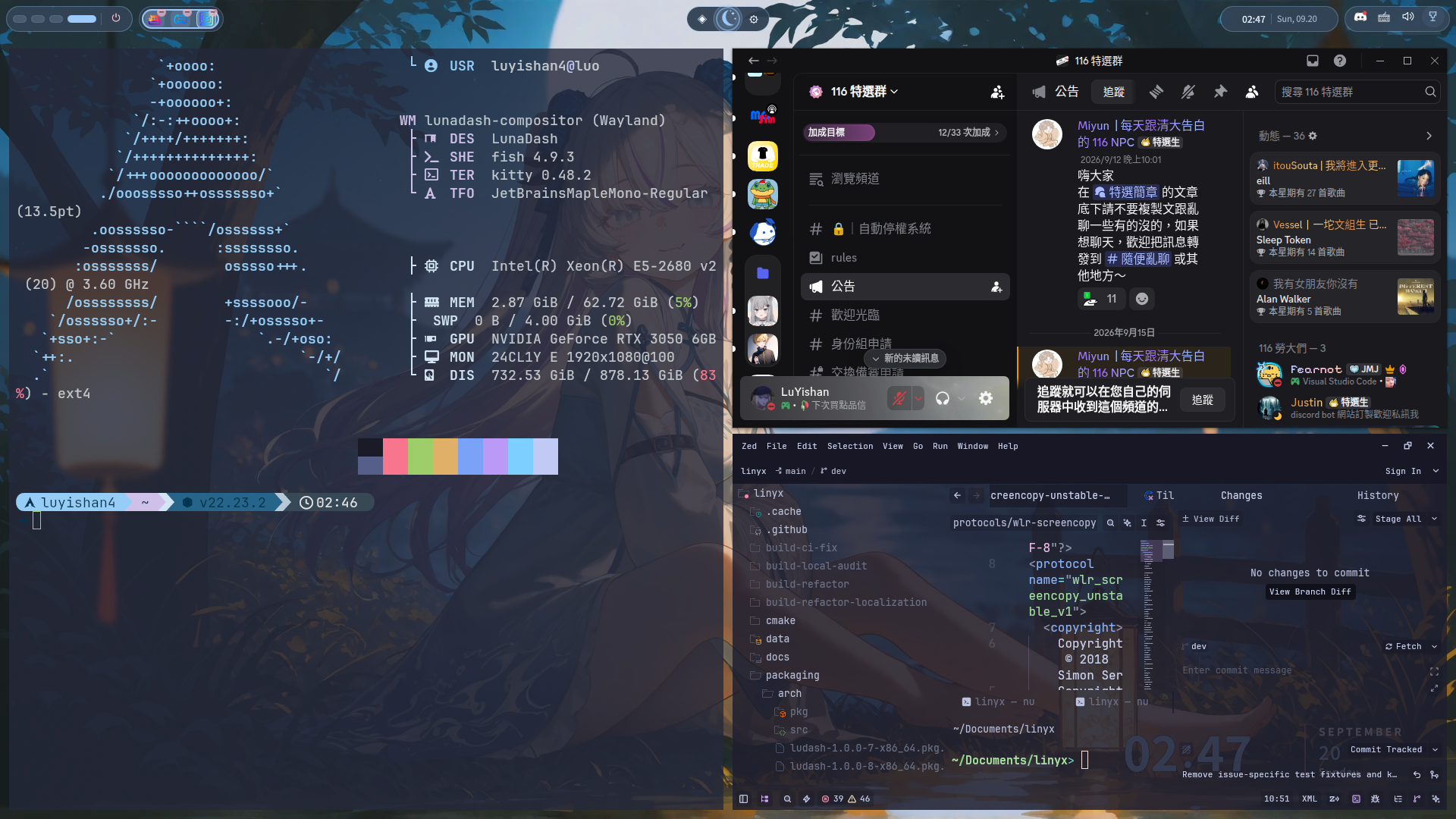
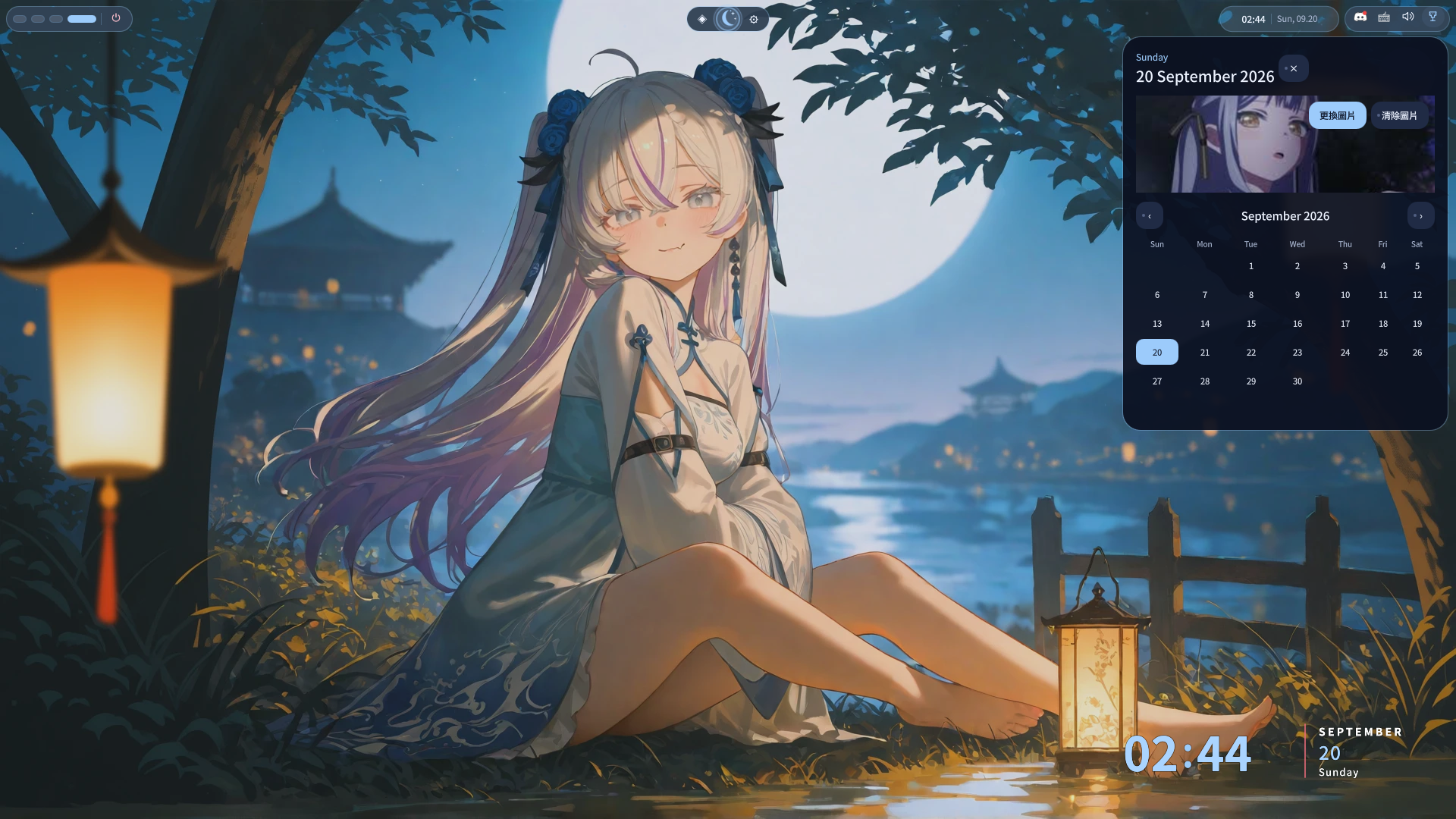
Actual screenshots from September 20, 2026.
Select an image to take a closer look.
Choose your installation.
Clone the development branch, then run ./scripts/install-session.sh. It handles dependencies, builds LunaDash and installs the login session.
git clone --branch dev https://github.com/LuYishan-4/LunaDash.git
cd LunaDash
./scripts/install-session.sh
Log out and choose LunaDash in your display manager. Use ./scripts/install-session.sh --dry-run to preview the installation. Options and recovery steps are in the installation guide.
On NixOS, use the flake and NixOS module with programs.lunadash.enable = true. Updates and rollback use NixOS generations.
Screen locking and screen-sharing/PipeWire portals are still incomplete. Native plugins stay disabled by default and execute without a sandbox when enabled.
Getting started
The first launch shows a welcome message and a link to this website for help. Select Start desktop to close it, even when offline. Language, wallpaper, network and other preferences are available in Settings.
Keyboard shortcuts
Super is the Meta key. Alt+Tab is reserved for window selection. Other keyboard bindings can be changed or disabled in Settings → Keyboard shortcuts.
| Shortcut | Action |
|---|---|
Super + Shift + S | Select a screenshot region (Escape cancels) |
Super + T / Return | Open Kitty (default terminal) |
Super + E / D | File manager / launcher |
Super + H / L | Focus the column to the left / right |
Super + K / J | Focus the previous / next member inside the column |
Super + Shift + H / L | Merge the focused window into the left / right column |
Super + Shift + E | Expel the focused member into its own column |
Super + Ctrl + H / L | Move the focused column left / right |
Super + = / - | Widen / narrow the focused column |
Super + Shift + C | Center the focused column |
Super + F | Maximize one window or restore the workspace tiling |
Super + C | Close the focused window |
Super + M | Minimize the focused window |
Alt + Tab | Preview current-workspace windows; release Alt to focus |
Super + Tab | Preview workspaces; release Super to switch |
Drag titlebar | Drop a window on another to swap positions |
Alt + left-drag | Move directly; add Shift to resize |
Super + 1–9 / 0 | Switch workspace |
Super + Shift + 1–9 / 0 | Move the focused window to a workspace |
While you test in a nested session, your host desktop may intercept Super shortcuts first.
Help shape the desktop.
Help make the default experience useful and customization approachable. Code, design feedback, documentation and bug reports all move LunaDash forward.
Pull requests target dev. Choose a clear title, describe the user-visible change and the validation actually run, and include matching docs and website content updates. Do not change GitHub workflows or generated release notes; describe release impact in the PR body. Explain whether the change affects the defaults or an optional customization.
Contributors
LunaDash is maintained by one person, with code, documentation and testing help from the community.
Open an issue or a pull request on GitHub to take part.